Arcade games that play
through your playlists.
Stack, Slither, or Soar — each game shuffles through 5–15s chorus clips from Apple Music. Discover new music while you play. Like a song to save it.
Games
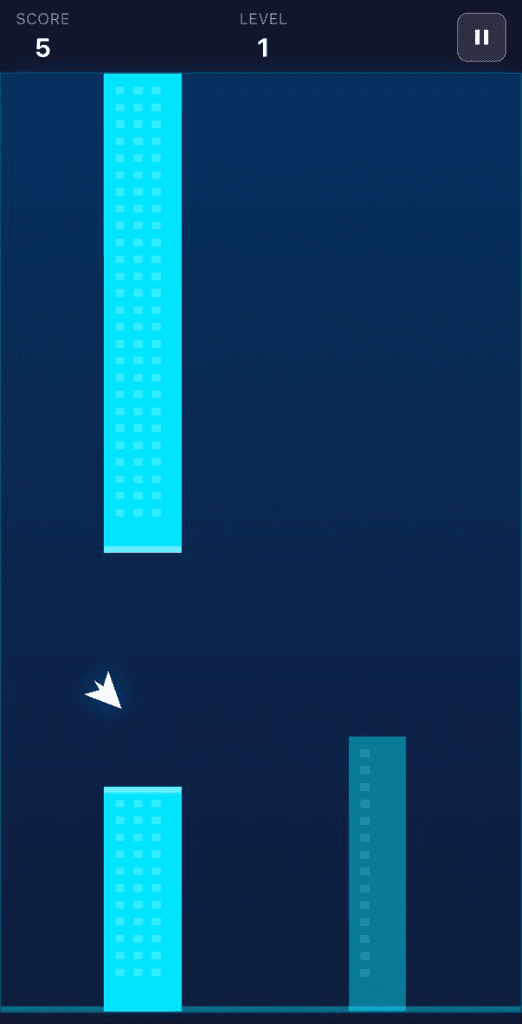
Tap to fly. Dodge everything.
A flappy-style game where you navigate through neon pillars. Every obstacle you clear skips to the next chorus.
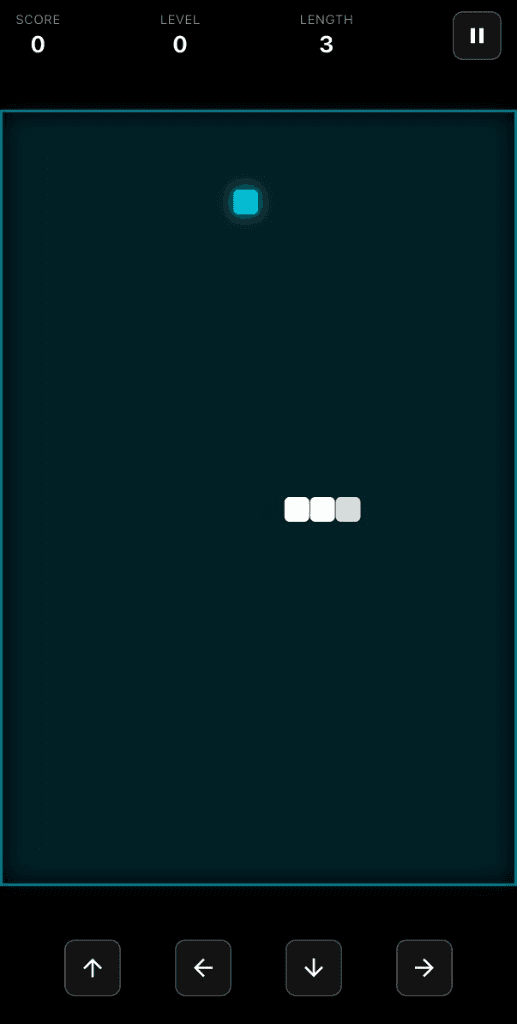
Eat. Grow. Don't crash.
Classic snake with a soundtrack. Collect food, grow longer, and preview songs as you play.
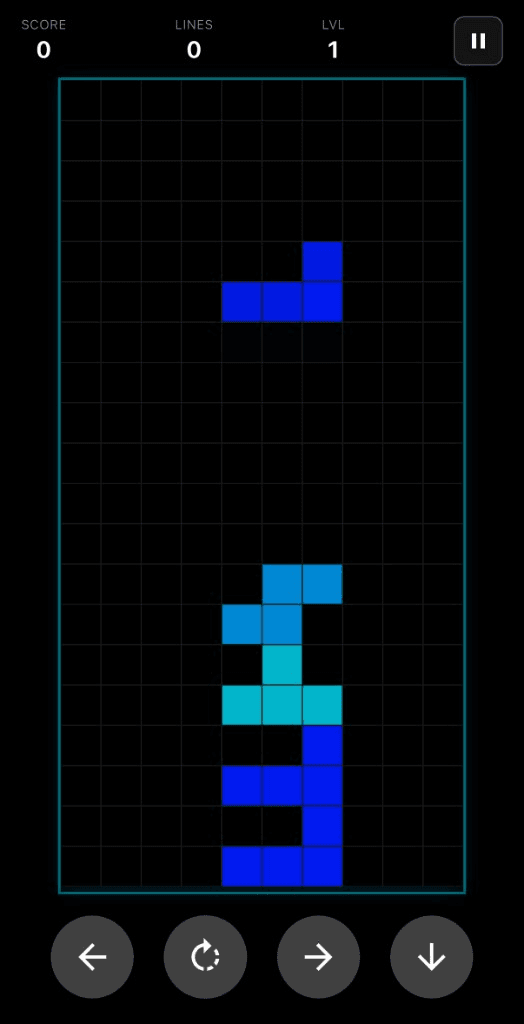
Drop blocks. Clear lines.
A falling-block puzzle game. Clear rows while tracks rotate through your playlist in the background.
Features
Plays through your playlists
Connect your Apple Music library, pick a playlist, and start a game. Each song plays a 5–15s clip of its chorus before skipping to the next track.
Hear it. Like it. Keep it.
Tap the heart mid-game to save any song directly to your Apple Music library.
Switch playlists anytime
Pause and swap playlists or shuffle tracks without leaving the game.
Skip through the chorus of every song
Stop scrolling through 30-second previews. Ollin plays the best part of each song back-to-back so you can find music you actually like, fast.
Play games. Find music.
Free on the App Store.
Download for iOS